Freelancers
 Advertisers
 Churches
 Charities
 Free Plugin
 Free vs Pro
 Reviews
 Blog
Blog Guides


Recurring payments are now a big part of online business. Whether you sell digital memberships, subscription boxes, or online courses, having a strong subscription system is essential. But setting up subscriptions in WooCommerce is not always easy — and the plugin you pick shapes your costs, your churn, and your day-to-day admin for years.
That’s why we compared the nine best WooCommerce subscription plugins for 2026 side by side: features, ease of use, pricing, and real 3-year cost. Our top pick is WPSubscription — a native WooCommerce plugin that covers the full billing lifecycle, starts free, and skips the $279 yearly price tag most stores don’t need.
TL;DR — The Verdict
For most small and mid-sized WooCommerce stores, WPSubscription is the best pick for 2026 — it covers the same core subscription workflow as WooCommerce Subscriptions, adds split payments, delivery scheduling, and win-back recovery, and starts free with a lifetime license from $199. Choose ArraySubs for combined membership and content restriction in one, WooCommerce Subscriptions for deep enterprise ecosystem needs, SUMO for a one-time budget buy, or Paid Member Subscriptions if memberships are your real product.
Free vs paid: you don’t have to pay to get started. Several plugins here — WPSubscription and ArraySubs included — offer a free version on WordPress.org that covers recurring payments, trials, and basic subscription management. Paid plans unlock advanced billing, split payments, multi-gateway support, and priority help. This roundup covers both free and paid WooCommerce subscription plugins so you can start free and upgrade only when your store needs more.
At a Glance: Scoring the 9 Plugins
We scored each plugin from 1 to 5 (5 is best) on the four things that matter most to a store owner: how easy it is to run, how deep its features go, how much value you get for the price, and the quality of support. The WPSubscription row is highlighted.
| Plugin | Ease of Use | Features | Pricing Value | Support | Overall |
|---|---|---|---|---|---|
| WPSubscription | 5.0 | 5.0 | 5.0 | 4.5 | 4.9 |
| WooCommerce Subscriptions | 3.5 | 5.0 | 2.5 | 4.5 | 4.1 |
| YITH WooCommerce Subscription | 4.0 | 4.0 | 3.5 | 3.5 | 3.8 |
| SUMO Subscriptions | 3.0 | 4.0 | 4.5 | 3.0 | 3.6 |
| WebToffee Subscriptions | 4.0 | 3.5 | 4.0 | 4.0 | 3.9 |
| SureCart | 4.5 | 4.0 | 3.5 | 4.0 | 4.0 |
| WP Swings — Subscriptions for WooCommerce | 4.0 | 3.5 | 4.0 | 3.5 | 3.8 |
| ArraySubs | 3.9 | 4.0 | 3.5 | 4.0 | 3.9 |
| Paid Member Subscriptions | 4.0 | 3.5 | 4.0 | 4.0 | 3.8 |
Scores reflect a general-store perspective — a membership-heavy site or an enterprise operation would weight these columns differently, which is exactly what the “Best for X” verdict further down is for.
3-Year Cost: What You’ll Actually Pay
Sticker price is only half the story. Most of these plugins are sold as yearly licenses, so the real number is what you pay over the life of your store. Here’s the three-year cost for a single site (gateway processing fees apply on top of every option below).
3-Year Cost for One Store
Over three years, WPSubscription's annual plan runs about $267 and its lifetime license just $199 — roughly $570–$638 less than the official WooCommerce Subscriptions extension. ArraySubs offers annual ($129/yr) and lifetime ($269) options, while SUMO's $49 one-time is the cheapest sticker (though it's an older CodeCanyon plugin with support renewals). SureCart uses a different model — a free tier that adds a per-transaction fee, plus monthly paid plans — so its true cost scales with your revenue rather than a flat license.
Cheaper isn’t automatically better — but paying $279 every year for capacity you’ll never use is the trap most small stores fall into. Watch your churn rate and the tooling that fights it (like dunning for failed payments) far more closely than the license line item, because retained revenue dwarfs plugin cost at any scale.
1. WPSubscription — Best Overall
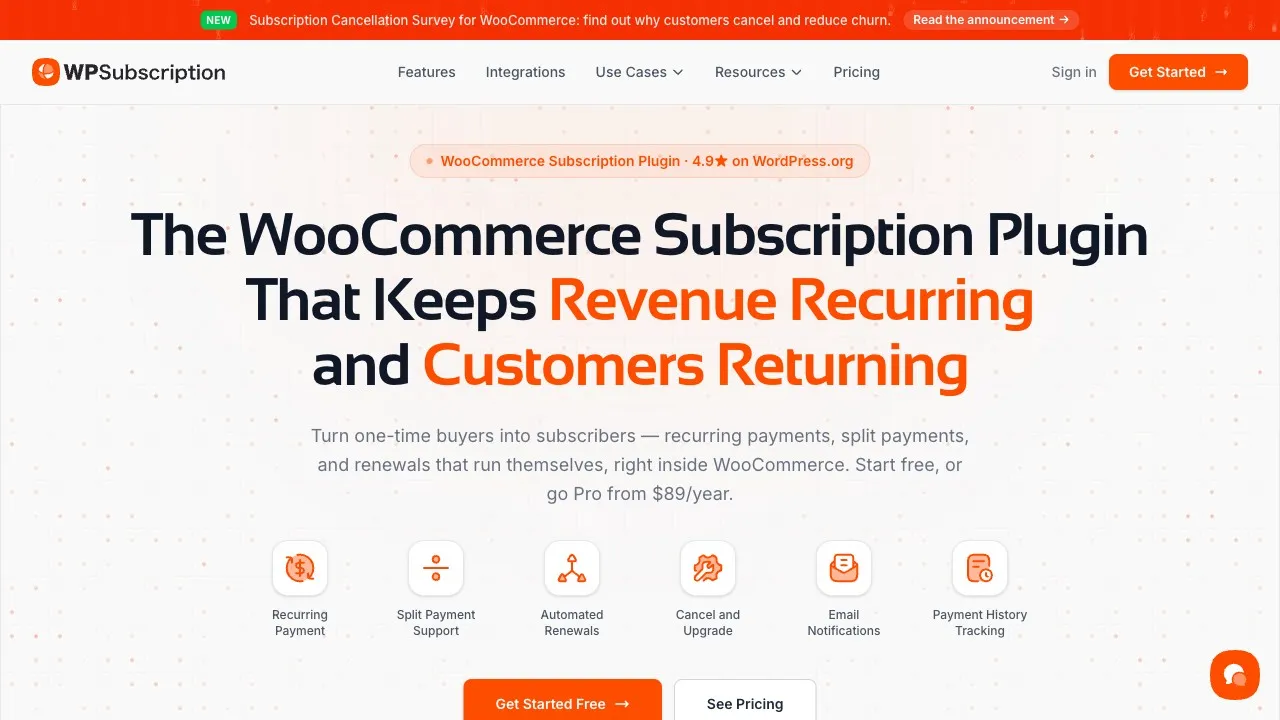
WPSubscription is built to make running subscriptions easy for any WooCommerce store. It works well whether you’re just starting or already growing fast.
The plugin is simple to set up and does not require coding. You can create and manage digital products, memberships, or physical subscription boxes all in one place. The clean dashboard makes it easy to track your income and manage subscribers. Customers also get their own control panel where they can upgrade, pause, or cancel their plans anytime.
What sets it apart from the rest of this list is how much comes built in. Where most plugins bill on a schedule and stop there, WPSubscription bundles the extras stores usually bolt on: split payments / installments, delivery scheduling for physical boxes, Subscription Recovery to win back lapsed customers, and a Cancellation Survey to learn why they left. With support for Stripe, PayPal, Paddle, Razorpay, Mollie, and Xendit, getting paid is fast and reliable — and because it’s native to WooCommerce, all your subscription data stays in your own store database.
Key Features
- Simple and variable subscription products
- Flexible billing intervals — daily, weekly, monthly, yearly
- Free trials and one-time sign-up fees
- Automatic or manual renewals with failed-payment retries and reminders
- Built-in split payments / installments — no third-party add-on
- Delivery scheduling for physical subscription boxes
- Subscription Recovery (win-back) and a Cancellation Survey to fight churn
- Customer self-service dashboard to pause, upgrade, downgrade, or cancel
- Role assignment on activation/expiration and detailed reports
- REST API, hooks, and filters for developers
Pros
- Easy for beginners, no coding needed
- Full-featured for both physical and digital stores
- Affordable annual and lifetime pricing
- Extras (split payments, delivery, recovery) built in, not sold separately
- Native to WooCommerce — you own your data
- Developer-friendly for advanced use
Cons
- Advanced content restriction needs a companion membership plugin
- Synchronized renewals and full native proration are still on the roadmap
Price: Free on WordPress.org · Pro from $89/year (1 site), $149/year (5 sites), $299/year (50 sites) · Lifetime from $199 one-time
See exactly how it compares against the official extension in our full breakdown: WPSubscription vs WooCommerce Subscriptions.
WPSubscription is the best choice for most WooCommerce stores in 2026: it works for courses and memberships as well as monthly boxes and refill packs, needs no coding, and lets customers manage their own plans. See WPSubscription pricing or start with the free plugin.
2. WooCommerce Subscriptions
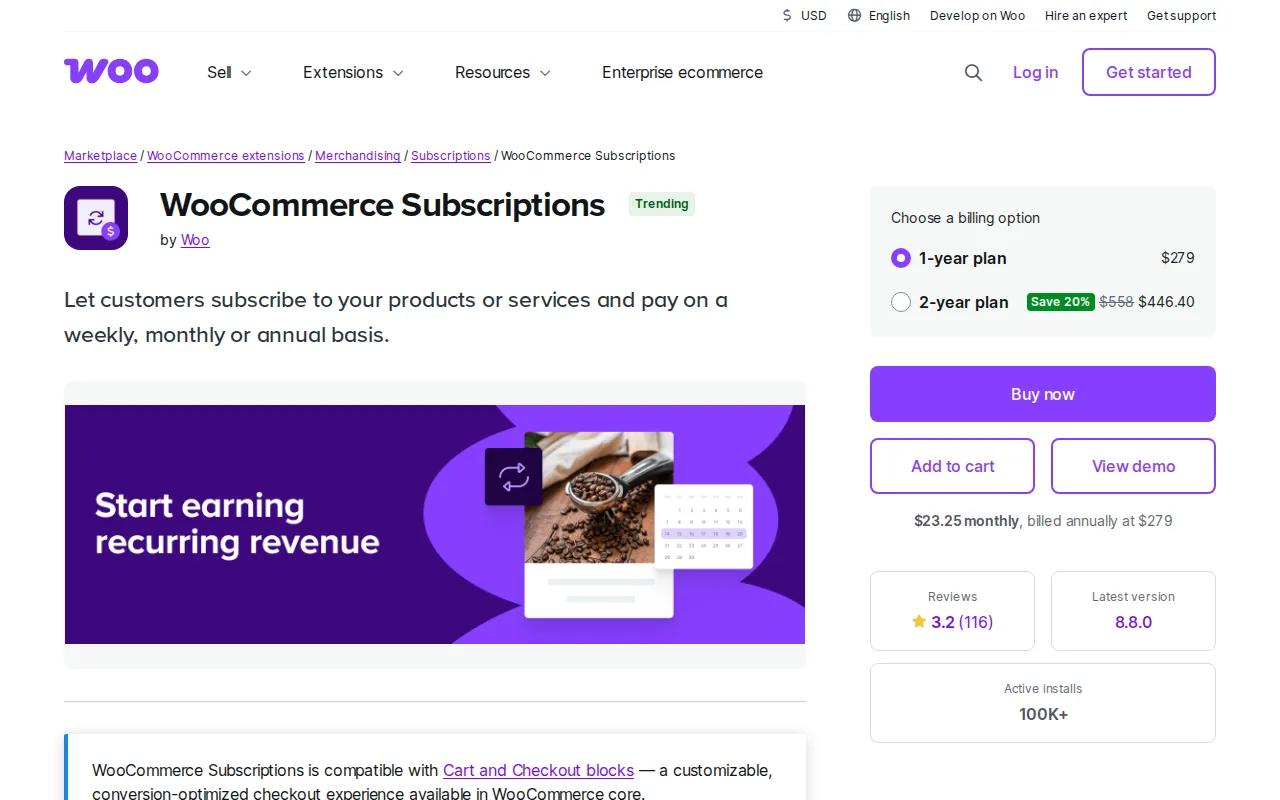
WooCommerce Subscriptions is the official recurring billing solution developed by the WooCommerce team, making it the gold standard for stores that need deep, guaranteed integration with the wider Woo ecosystem.
This plugin is especially well-suited for large stores, high-volume operations, or businesses with advanced subscription requirements like native proration and synchronized renewals.
Key Features
- Multiple billing schedules and variable subscriptions
- Support for 25+ payment gateways through WooCommerce
- Free trials, sign-up fees, and gift subscriptions
- Synchronized renewals and native proration
- Strong analytics and detailed reports
Pros
- Built and supported by WooCommerce
- Very stable and flexible
- Broadest gateway and premium-extension compatibility
Cons
- High recurring price with no lifetime option
- No free version
- Learning curve for beginners
Price: $279/year
Head to head: WPSubscription vs WooCommerce Subscriptions — same core workflow, ~$570 cheaper over three years.
3. YITH WooCommerce Subscription
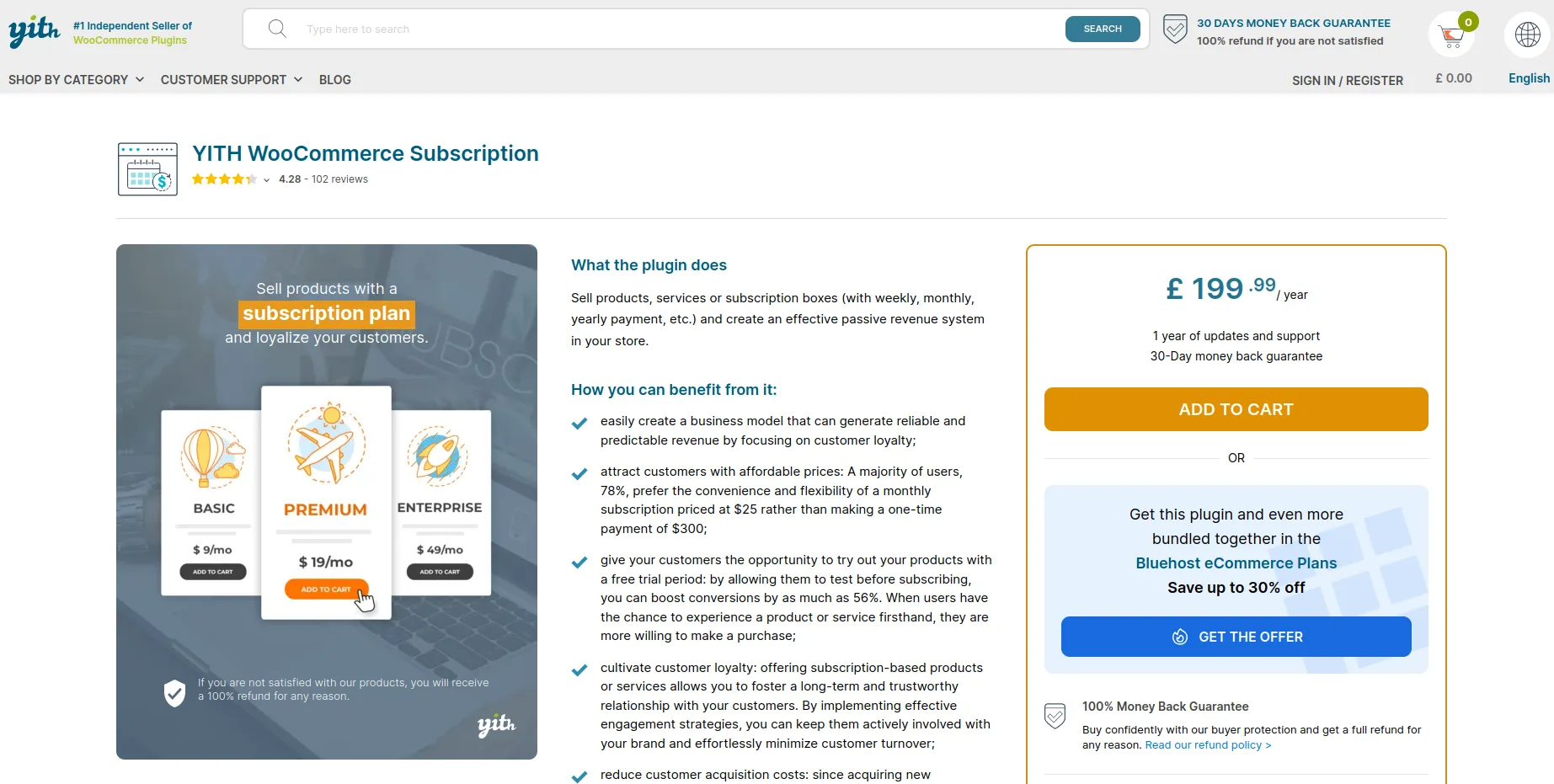
YITH WooCommerce Subscription is a flexible and reliable plugin that works well for stores selling both digital and physical products. It’s especially useful if you already use other YITH plugins, as it integrates smoothly with their full suite of WooCommerce tools.
Key Features
- Manual and automatic renewals
- Free and premium versions
- Advanced coupon system
- Analytics dashboard
Pros
- Reasonably priced within the YITH catalog
- Works well with other YITH plugins
- Simple for small to mid-sized stores
Cons
- Some advanced features require paid add-ons
- Best value only if you’re already in the YITH ecosystem
- Support can be slower at times
Price: Free / €199.99 per year
Head to head: WPSubscription vs YITH WooCommerce Subscription.
4. SUMO Subscriptions
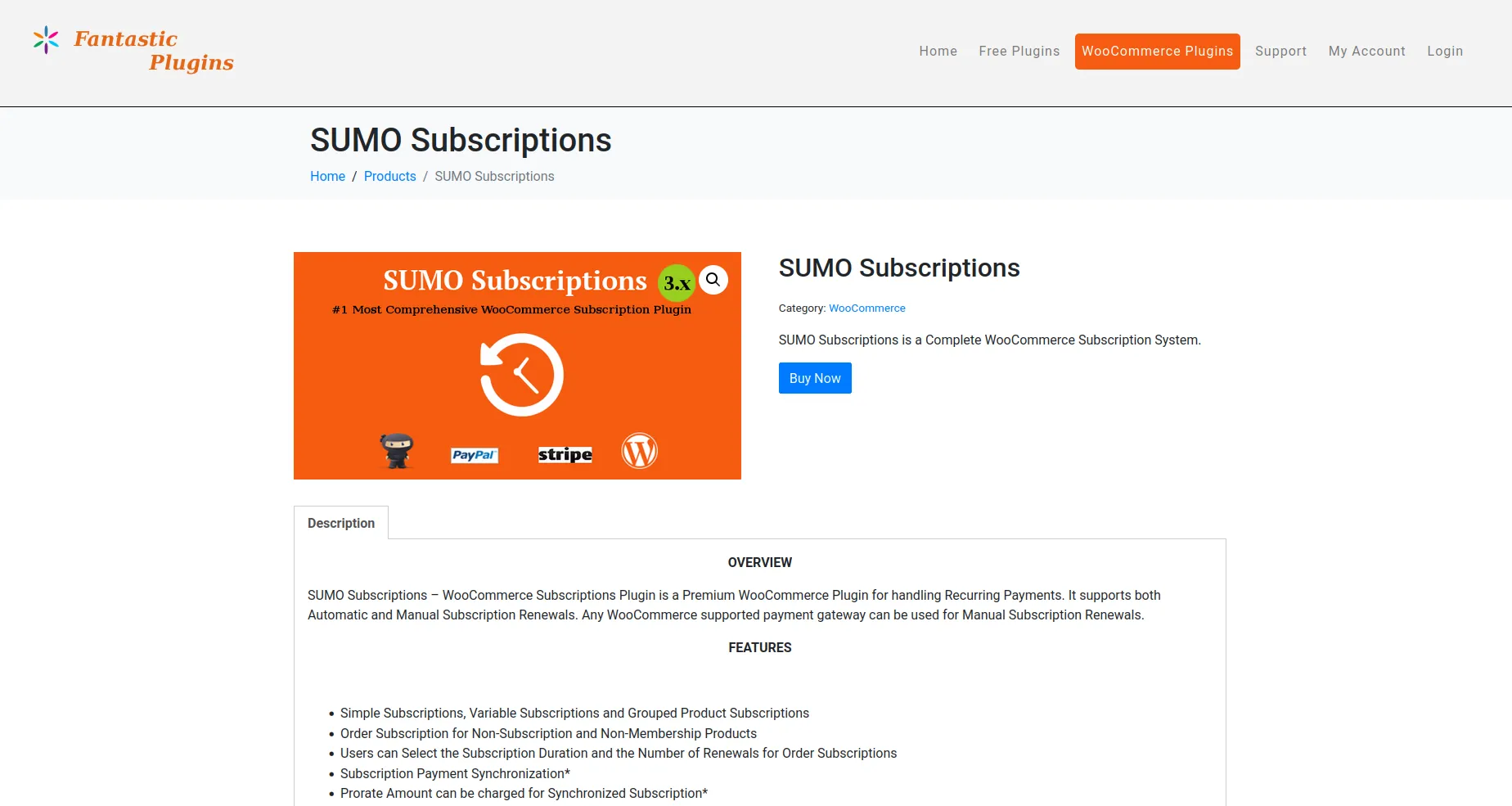
SUMO Subscriptions is a budget-friendly and highly customizable plugin designed for WooCommerce users who want full control over how subscriptions work. It offers a wide range of features at a low one-time price, making it ideal for store owners who want flexibility without an annual bill.
Key Features
- Manual and automatic renewals
- Free or paid trials
- Stripe and PayPal support
- Multi-currency and bulk updates
Pros
- Very affordable one-time cost
- Lots of billing options
- Useful transaction logs
Cons
- Interface is dated and less modern
- CodeCanyon/Envato-style support with renewals for updates
- Premium features locked behind upgrades
Price: $49 one-time (CodeCanyon)
Head to head: WPSubscription vs SUMO Subscriptions.
5. WebToffee Subscriptions for WooCommerce
WebToffee’s Subscriptions for WooCommerce is a solid choice for small businesses or new store owners who want to start offering subscription products without a big upfront cost. The core plugin is free and covers the essentials for setting up basic recurring payments, with a well-supported vendor behind it.
Key Features
- Flexible billing intervals
- Automatic and manual renewal options
- Works with PayPal and Stripe
- Basic reporting and import/export tools
Pros
- Free version available
- Easy to install and use
- Backed by an established plugin vendor
Cons
- Fewer built-in extras than WPSubscription
- Advanced tooling needs the paid tier
- Limited customization out of the box
Price: Free / $109 per year
Head to head: WPSubscription vs WebToffee Subscriptions.
6. SureCart
SureCart is a modern, hosted commerce platform for WordPress with fast checkout and clean subscription management built in. Instead of running billing inside WooCommerce, it handles commerce through its own cloud — which makes setup quick and the checkout slick, but means your subscription and customer data lives on an external platform rather than in your store database.
Key Features
- Hosted, high-converting checkout and cart
- Subscriptions, trials, and installment-style payments
- Built-in abandoned-cart and revenue tools
- Stripe, PayPal, Mollie, and Paddle support
Pros
- Very fast, modern checkout experience
- Free tier to get started
- Less server load — billing runs in SureCart’s cloud
Cons
- Not native WooCommerce; data lives on SureCart’s platform
- Free plan adds a per-transaction fee
- Costs scale with revenue rather than a flat license
Price: Free (with transaction fee) / paid monthly plans
Head to head: WPSubscription vs SureCart — native WooCommerce ownership vs a hosted platform.
7. WP Swings — Subscriptions for WooCommerce
WP Swings’ Subscriptions for WooCommerce is a popular free plugin with a large install base, a good fit for stores that want straightforward recurring billing at a low cost. The free version covers the basics, and a Pro upgrade adds features like multiple subscriptions per order and more renewal controls.
Key Features
- Simple recurring subscription products
- Free trials and sign-up fees
- Manual and automatic renewals
- PayPal and Stripe support
Pros
- Generous free version with a large user base
- Affordable Pro upgrade
- Easy for small stores to adopt
Cons
- Fewer advanced/built-in extras
- Some workflows need the Pro tier
- Reporting is fairly basic
Price: Free / Pro from ~$99 per year
Head to head: WPSubscription vs WP Swings Subscriptions.
8. ArraySubs

ArraySubs is a WooCommerce subscription and membership plugin designed for stores that need recurring billing, customer self-service, and content access control in one system. It supports physical products, digital products, subscription boxes, memberships, and service-based subscriptions without requiring multiple separate plugins. The free core plugin includes essential subscription features, while ArraySubs Pro adds advanced automation and store-management tools.
Key Features
- Simple and variable subscription products
- Flexible daily, weekly, monthly, and yearly billing cycles
- Free trials and one-time signup fees
- Automatic payments through Stripe, PayPal, Paddle, and Mollie
- Customer dashboard for managing subscriptions
- Plan upgrades, downgrades, pauses, and cancellations
- Membership access and content restriction
- Subscription boxes and recurring product bundles
- Manual renewal invoices and payment links
- Lifetime access plans with no recurring renewals
Pros
- Free core plugin with many essential features
- Combines subscriptions, memberships, and content restriction
- Supports both physical and digital products
- Multiple automatic payment gateways included
- Customer self-service portal is built in
- Native WooCommerce product and checkout workflow
Cons
- Some advanced features require ArraySubs Pro
- Newer plugin with a smaller ecosystem than WooCommerce Subscriptions
- Requires PHP 8.1 or higher
- Advanced subscription-box and retention features may need additional setup
Price: Free on WordPress.org · Pro from $129 per year with current early-bird pricing · Lifetime plans are also available from $269
Head to head: WPSubscription vs ArraySubs — see how both native plugins compare on recurring billing, churn recovery, and membership capabilities.
9. Paid Member Subscriptions
Paid Member Subscriptions is a great option for websites that focus on gated content, online communities, or membership access. It’s designed more for digital products and content-based businesses than for physical goods — so if memberships are your real product, it belongs on your shortlist.
Key Features
- Group memberships
- Content dripping
- Content gating and access control
- Multiple payment methods
Pros
- Ideal for membership and learning platforms
- Strong content-restriction tools
- Scalable for larger sites
Cons
- Membership focus may not fit product-based stores
- Advanced tools require the Pro version
- Not a general WooCommerce product-billing plugin
Price: €99 to €299 per year
Head to head: WPSubscription vs Paid Member Subscriptions.
Best for X: Quick Verdict
Different stores need different things. Here’s the fastest way to match a plugin to your situation.
Best Overall
WPSubscription
Full lifecycle billing, built-in extras, and the lowest 3-year cost for most stores.
Best for Subscriptions & Memberships in One
ArraySubs
Combines recurring product billing with native content restriction and member access control without extra add-ons.
Best Budget
SUMO Subscriptions
A $49 one-time buy with plenty of billing options — if you can live with an older UI.
Best for Subscription Boxes
WPSubscription
Delivery scheduling and split payments built in — no six-plugin stack for physical boxes.
Best for Enterprise
WooCommerce Subscriptions
25+ gateways, native proration, synced renewals, and first-party ecosystem guarantees.
Best Free
WPSubscription
A genuinely capable free tier on WordPress.org — recurring payments, trials, and self-service. WP Swings is a strong runner-up.
Best for Dedicated Content Sites
Paid Member Subscriptions
Content gating, dripping, and group access when memberships — not products — are the point.
Head-to-Head Comparison at a Glance
| Plugin | Best For | Pricing | Payment Gateways | Standout |
|---|---|---|---|---|
| WPSubscription | Most stores | Free; $89–$299/yr; lifetime from $199 | Stripe, PayPal, Paddle, Razorpay, Mollie, Xendit | Split payments, delivery, recovery built in |
| WooCommerce Subscriptions | Enterprise stores | $279/year | 25+ gateways | Native proration & synced renewals |
| YITH WooCommerce Subscription | YITH ecosystem users | Free; €199.99/year | Stripe, PayPal | Advanced coupons |
| SUMO Subscriptions | Budget buyers | $49 one-time | Stripe, PayPal | Lowest sticker price |
| WebToffee Subscriptions | Small businesses | Free; $109/year | Stripe, PayPal | Established vendor |
| SureCart | Hosted-checkout fans | Free (fee); paid monthly | Stripe, PayPal, Mollie, Paddle | Fast hosted checkout |
| WP Swings Subscriptions | Free-first stores | Free; Pro ~$99/year | Stripe, PayPal | Large free user base |
| ArraySubs | Subscriptions + memberships | Free; $129/yr; lifetime from $269 | Stripe, PayPal, Paddle, Mollie | Built-in content gating & memberships |
| Paid Member Subscriptions | Membership sites | €99–€299/year | Stripe, PayPal | Content gating & dripping |
Which Subscription Plugin Should You Choose?
If you want a subscription plugin that is easy to use, flexible, and powerful, WPSubscription is the best choice for most WooCommerce stores in 2026.
It works perfectly for digital products like courses and memberships, as well as physical goods like monthly boxes or refill packs. You don’t need any coding skills to get started, and your customers will love how easy it is to manage their own plans. WPSubscription helps you save time, improve the customer experience, and grow steady recurring revenue — all from one clean, modern dashboard.
You should choose WPSubscription if:
- You want to set up subscriptions quickly without coding
- You need flexible billing options for different product types
- You want customers to manage their own plans and reduce support load
- You are looking for a budget-friendly plugin with strong, built-in features
- You want split payments and delivery scheduling without extra add-ons
- You value reliable support and regular updates
For store owners who want a reliable, easy, and complete subscription system without the high price tag, WPSubscription is the smart choice. Ready to start? Download the free plugin or see the pricing plans and pick the option that pays for itself in the first year.