Freelancers
 Advertisers
 Churches
 Charities
 Free Plugin
 Free vs Pro
 Reviews
 Blog
Blog Guides


Look, I’ve been building WordPress sites for years, and subscription models? They’re kind of my thing now.
But here’s what nobody tells you when you’re starting out: WordPress itself doesn’t do subscriptions. Like, at all. You need a plugin to make that happen.
I’ve tested pretty much every subscription plugin out there (some were disasters, honestly), and I wanted to save you the headache.
This isn’t one of those generic roundups where someone just copies feature lists. I actually used these plugins, broke things, fixed them, and figured out what works.
So grab your coffee, and let’s talk about the subscription plugins for WordPress that are actually worth your time in 2026.
Why Choose Subscription Plugins for WordPress
Here’s the thing about subscriptions. They changed my business completely. Instead of waking up every month thinking “okay, where’s my next sale coming from?” I actually know what’s coming in. That peace of mind? Priceless.
But you can’t just flip a switch in WordPress and start charging people monthly. The platform wasn’t built for that. You need a plugin to handle the payments, keep track of who’s paid and who hasn’t, and lock down your content so only paying members get in.
And honestly? Thank goodness for that. Because trying to manage subscriptions manually would be an absolute nightmare.
Imagine tracking hundreds of members in a spreadsheet, remembering to charge everyone, updating access levels… yeah, no thanks.
The right plugin handles all that boring stuff automatically. You set it up once, and it just runs. Members get charged on schedule, access gets updated, and you can actually focus on creating stuff people want instead of playing accountant.
Plus, subscriptions work for basically everything these days. Online courses? Check. Premium blog content? Yep. Software tools? Absolutely. Community access? For sure. Whatever you’re building, there’s a way to turn it into recurring revenue.
Subscription Plugins vs Membership Plugins for WordPress
Before you pick anything, clear up the one confusion that trips up almost everyone: “subscription plugin” and “membership plugin” get used interchangeably, but they solve two different jobs. Grab the wrong category and you’ll spend weeks fighting a tool that was never built for what you’re doing.
Here’s the plain-English split:
- Subscription plugins bill money on a schedule. They turn a WooCommerce product — a physical box, a digital download, a service retainer, a course seat — into a recurring payment that renews automatically. The center of gravity is billing: trials, sign-up fees, renewals, failed-payment retries, upgrades, cancellations. If the thing you sell ships, downloads, or gets delivered, and you want the card charged again next month, you want a subscription plugin.
- Membership plugins gate content behind a login. Their center of gravity is access control: which posts, pages, courses, or downloads a logged-in member can see, drip schedules, member directories, and community areas. Recurring billing is often bolted on, but the core value is locking and unlocking content.
The overlap is real — plenty of membership plugins can take a recurring payment, and plenty of subscription plugins can restrict a file or assign a role. But the question that sorts it is simple: are you selling a product that renews, or are you gating content behind a paywall?
Reach for a subscription plugin
When you sell something that renews and the money is the point.
- Subscription boxes & refill products
- Digital downloads, plugins, themes, licenses
- Split payments / installments on higher-ticket items
- Retainers, donations, and recurring services
- Any WooCommerce product you want billed monthly or yearly
Reach for a membership plugin
When the value is access, and content-gating is the point.
- Members-only articles, resources, or forums
- Drip-fed online courses and lesson unlocking
- Tiered access levels and role-based permissions
- Community sites and private directories
- Paywalled libraries where login = value
And often, you need both. A store selling a monthly coaching membership might use a subscription plugin (like WPSubscription) to handle the recurring WooCommerce billing, and a membership plugin to gate the lesson content. That’s a completely normal stack. If content-gating is your primary need, start with our roundup of the best membership plugins for WordPress. If recurring billing on WooCommerce is your primary need, keep reading — and for a WooCommerce-specific shortlist, see the best WooCommerce subscription plugins.
The list below spans both categories on purpose, because “wordpress subscription plugin” searchers land in both camps. We flag which job each tool is really built for.
Top Subscription Plugins for WordPress
Alright, enough background. Let’s get into the actual plugins. I’m ranking these based on what I’d actually recommend to a friend, not what pays the highest commission (full transparency here).
1. WPSubscription
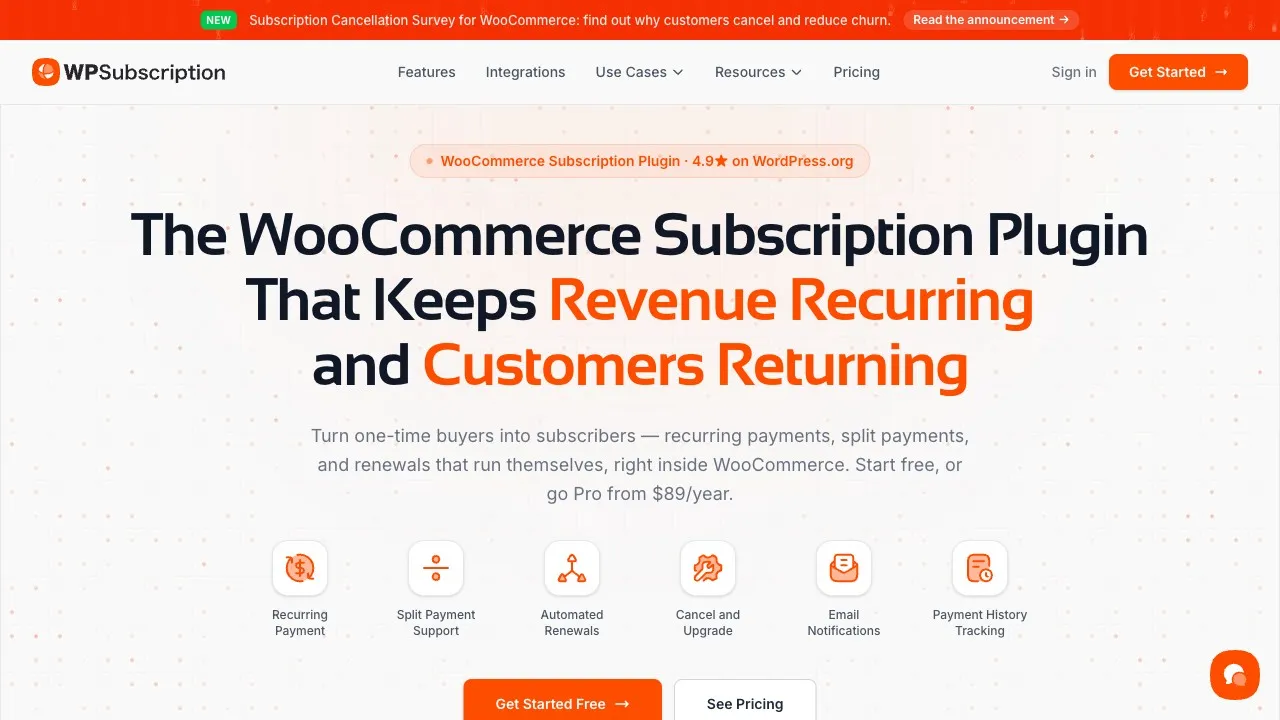
I’m putting WPSubscription at the top because it does something really rare these days—it actually makes sense. You know when you open software and just… get it? That’s WPSubscription.
I tested this on three different sites last year, and the setup was legitimately quick each time. No PhD required. You install it, connect your payment gateway, create your subscription plans, and you’re basically done.
The whole process took me maybe an hour on the first site, and that’s including time to customize the signup forms.
Features:
-
Unlimited subscription plans: Want five different membership levels? Twenty? Go nuts. There’s no artificial cap here.
-
Multiple payment gateways: Works with Stripe, PayPal, Paddle, Razorpay, Mollie, and Xendit without making you jump through hoops.
-
Built-in split payments: Let customers pay for a higher-ticket product in installments — no third-party plugin bolted on.
-
Delivery scheduling & recovery: Physical box sellers get shipment scheduling; every store gets subscription recovery plus a cancellation survey to fight churn — all native.
-
Automatic billing management: Renewals happen automatically, failed payments get followed up on, and subscription upgrades/downgrades process smoothly from a self-service customer dashboard.
Pros:
-
Setup is genuinely straightforward (my dad could probably do it, and he still uses Internet Explorer)
-
Interface doesn’t feel like it was designed in 2003.
-
The support team actually replies and helps instead of sending you to documentation.
-
Updates come regularly, which means bugs get fixed, and features get added.
Cons:
-
It’s newer than some competitors, so there aren’t as many third-party integrations yet.
-
It’s a true WooCommerce subscription plugin, not a content-gating membership tool — pair it with a membership plugin if paywalling content is your main goal.
Pricing
There’s a genuinely useful free version on WordPress.org. Pro plans start at $89/year for one site, and there’s a lifetime license from $199 one-time if you’d rather never see a renewal invoice again. Every paid plan includes every feature — pricing scales by site count, not by feature gating.
Best for:
Anyone launching their first subscription site who doesn’t want to spend three weeks figuring out how everything works — or any WooCommerce store owner who wants a capable subscription plugin for WordPress without the $279/year price tag of the official extension. Also great if you’re migrating away from something overly complicated.
Check it out: WPSubscription on WordPress.org
2. MemberPress
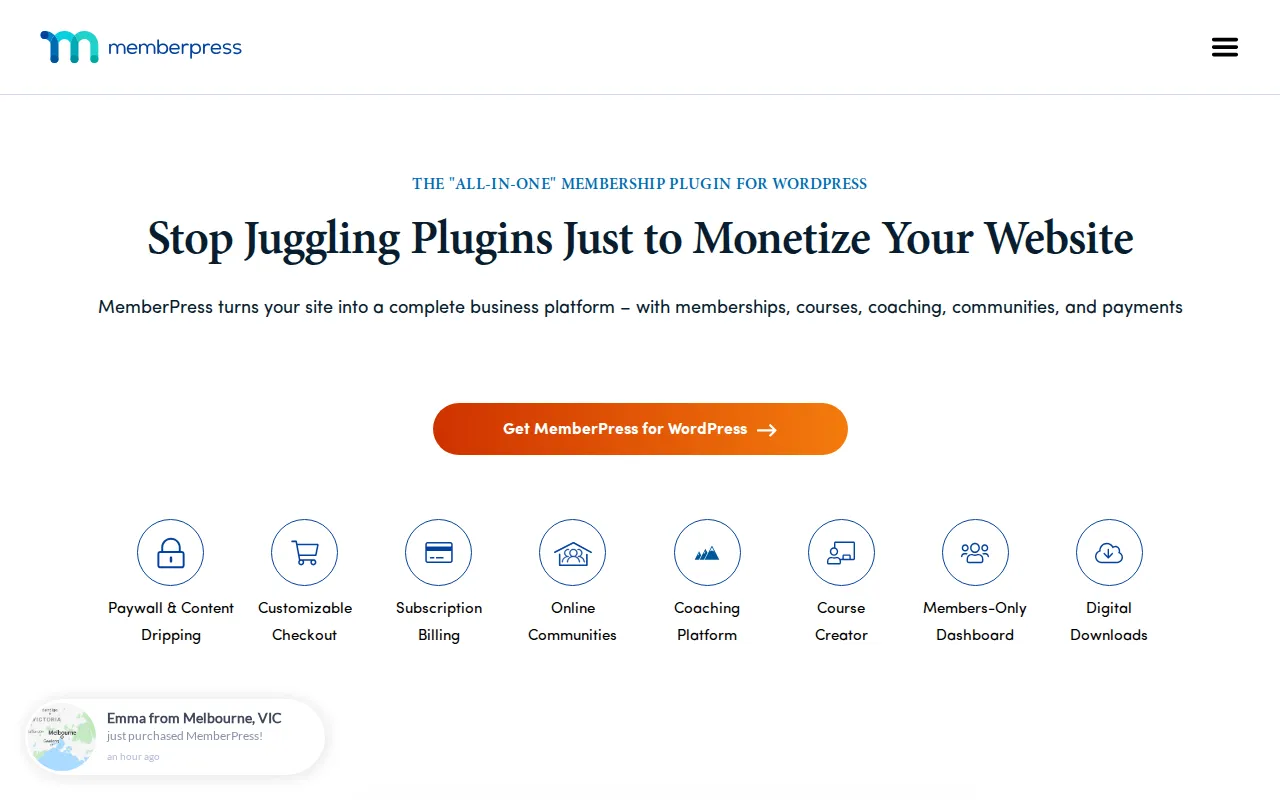
MemberPress has been around forever. Like, probably since before half the internet knew what subscriptions were. And you know what? It’s still here because it works.
I used MemberPress on a client site back in 2019, and it handled everything we threw at it. The client had complicated pricing (different tiers, corporate memberships, the works), and MemberPress just… dealt with it.
Features:
-
Flexible access rules: You can get ridiculously specific about who sees what. It’s almost overkill, but better than not having options
-
Built-in course builder: Create drip content without installing another plugin. Content releases over time automatically
-
Powerful integrations: Connects with pretty much everything, email tools, CRMs, you name it
-
Member analytics: Dashboard shows you signups, revenue trends, and who’s engaging
Pros:
-
Proven track record. This plugin has processed millions in subscription revenue
-
Documentation is thorough (maybe too thorough, but at least it’s there)
-
Compatible with most themes without breaking your design
-
Support is solid when you need help
Cons:
-
The interface looks a bit old. Works fine, just not pretty
-
Price adds up quickly when you want all the bells and whistles
Pricing:
Starts at $179.50/year for one site. More sites and features cost more.
Best for:
Established businesses that need something battle-tested with tons of integration options already built.
3. ARMember

ARMember has been around for years, and there’s a reason it keeps showing up when people compare WordPress membership plugins. It packs a surprising amount into one plugin, so you can build everything from a simple members-only site to a pretty advanced subscription business without stacking five different plugins together.
I’ve seen ARMember used for sites with multiple membership levels, recurring subscriptions, restricted content, and different signup flows. And that’s where it really shines. You get a lot of control over how memberships work without needing to bolt on a separate plugin for every little thing.
Features:
-
Flexible content restriction: Control exactly who can access your posts, pages, categories, files, and other content. You can get pretty granular with the rules.
-
Built-in forms: Create signup, login, and profile forms without relying on another form plugin. You can customize them to match your site.
-
Multiple payment options: Supports popular payment gateways, including PayPal, Stripe, Authorize.Net, and more, giving you flexibility when collecting membership payments.
-
Drip content: Release content gradually based on a member’s subscription or signup date instead of giving them everything at once.
Pros:
-
Packed with 62+ in-built addons and features
-
Generous free version
-
Handles memberships, subscriptions, content restriction, and member management in one place
-
Lots of customization options for forms and membership plans
-
Supports 22+ payment gateways
Cons:
-
There are so many settings that the interface can feel overwhelming at first
-
Some advanced features require premium add-ons
-
The sheer number of options can take some time to learn
Pricing:
Free version available. Premium plan starts at $89/year for a single site license. More premium plans and add-ons are available if you need more advanced functionality.
Best for:
Businesses, creators, course owners, and WordPress users who want a flexible membership plugin with lots of features built into one solution.
4. Restrict Content Pro

This one’s my recommendation for people who obsess over site speed. Restrict Content Pro is lean. Like, surprisingly lean for what it does.
I ran speed tests on a site before and after installing this, and the difference was barely noticeable. Compare that to some plugins that add half a second to your load time, and you’ll appreciate the difference.
Features:
-
Simple pricing setup: Creating subscription tiers takes minutes, not hours
-
Content restriction tools: Hide whatever you want, pages, posts, custom content types
-
Discount codes: Run promotions without needing another plugin for coupons
-
Detailed reporting: See how your subscription business performs at a glance
Pros:
-
Doesn’t bloat your site with unnecessary code
-
The interface is clean and logical
-
Good value. You get a lot for the price
-
Rock solid stability
Cons:
-
Fewer advanced features compared to enterprise options
-
Payment gateway choices are limited in the basic version
Pricing:
Starts at $99/year for one site. Higher tiers unlock more features.
Best for:
Content creators and bloggers who want to monetize without sacrificing site performance.
5. Paid Memberships Pro

Here’s something different—Paid Memberships Pro gives you a legitimately useful free version. Like, you can actually run a subscription site on the free version without feeling crippled.
I tested this when I was broke and couldn’t afford any paid plugins. Built a whole membership site, got paying subscribers, and everything worked. Eventually upgraded for more features, but the free version got me started.
Features:
-
Free core plugin: Zero upfront cost to start your subscription business
-
Modular add ons: Buy only what you need instead of paying for everything
-
Member directory: Build community features without another plugin
-
Gift subscriptions: Let people buy memberships for others (great for holidays)
Pros:
-
Free version isn’t a bait and switch. It genuinely works
-
Massive library of add ons for almost any feature you’d want
-
Active community and regular updates
-
Highly customizable if you’re willing to tinker
Cons:
-
Costs add up fast once you start buying multiple add ons
-
Needs more technical knowledge to maximize its potential
Pricing:
Core is free. Add-ons range from free to $297/year. Or get everything with Memberlite for $297/year.
Best for:
Budget-conscious users who want to start free, or developers who need maximum flexibility.
6. WooCommerce Subscriptions
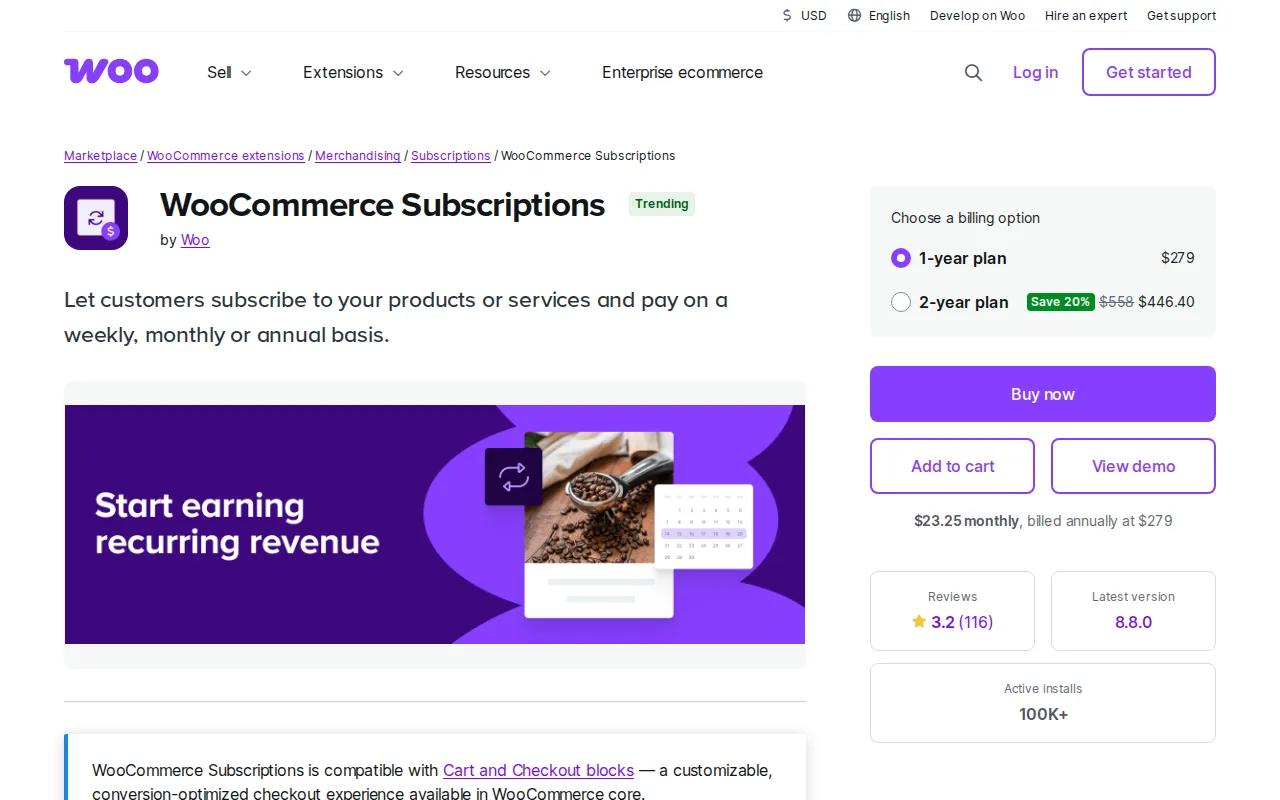
Already running a WooCommerce store? Then this is probably your answer. WooCommerce Subscriptions plugs right into WooCommerce because it’s made by the same people.
I used this on an e-commerce site that wanted to add subscription boxes. Worked perfectly because all the product management, inventory, and shipping tools were already there.
Features:
-
Native WooCommerce integration: Everything works together seamlessly
-
Flexible billing schedules: Set up any billing frequency, weekly, monthly, yearly, whatever
-
Subscription switching: Customers can upgrade or downgrade their plans easily
-
Automatic renewals: Handles billing, inventory updates, everything
Pros:
-
Zero friction with WooCommerce since it’s designed for it
-
Can mix regular products with subscription products in one store
-
Handles complex scenarios like variable subscription products
-
Backed by Automattic, so it’s well supported
Cons:
-
Requires WooCommerce, which is overkill if you just want simple memberships
-
Pricey compared to subscription-only plugins
Pricing:
$279/year for one site as of 2026. Needs WooCommerce installed to work.
Best for:
Existing WooCommerce store owners adding subscription products to their catalog — though it’s worth weighing against WPSubscription, which covers the same core WooCommerce billing workflow, adds split payments and delivery scheduling, and starts free.
Top Subscription Plugins for WordPress at a Glance
Quick comparison so you can see the differences at a glance — the built for column tells you whether a tool is really a subscription (billing) plugin or a membership (content-gating) plugin. The WPSubscription row is highlighted.
| Plugin | Built for | Free version | Entry price (1 site) | Lifetime |
|---|---|---|---|---|
| WPSubscription | WooCommerce recurring billing (+ split payments, delivery) | ✓ | $89/yr | ✓ $199 |
| MemberPress | Memberships, courses & content-gating | ✕ | $179.50/yr | ✕ |
| ARMember | All-in-one memberships, subscriptions & forms | ✓ | $89/yr | ✕ |
| Restrict Content Pro | Lightweight content restriction | ✕ | $99/yr | ✕ |
| Paid Memberships Pro | Modular memberships & access levels | ✓ | Free + add-ons | ✕ |
| WooCommerce Subscriptions | Official WooCommerce recurring billing | ✕ | $279/yr | ✕ |
|
Start free with WPSubscription →
Free on WordPress.org · Pro from $89/year · Lifetime from $199
|
||||
Prices reflect 2026 list pricing at the time of writing; always confirm on each vendor’s site, since plans change.
Which Subscription Plugin Should You Choose?
Here’s my actual advice, and it starts with the question from the top of this post — are you billing for a product, or gating content?
Selling a WooCommerce product that renews (boxes, downloads, licenses, retainers)? You want a subscription plugin. Locking articles, courses, or a community behind a login? You want a membership plugin — start with the best membership plugins for WordPress. Doing both? Run a subscription plugin for billing and a membership plugin for access.
Starting from scratch and want something simple? WPSubscription. You’ll be up and running today, not next week — start on the free version and upgrade only when you need Pro.
Already running WooCommerce? WooCommerce Subscriptions, no question. Use what you already have — though it is worth reading how it compares to WPSubscription on price and lock-in before you renew.
Want an all-in-one membership toolkit with lots of built-in features and custom forms? ARMember is a great fit.
Tight budget and comfortable with tech? Try Paid Memberships Pro’s free version. Upgrade later if needed.
Running a serious business with specific needs? MemberPress might be worth the investment. Mature platform, lots of integrations.
Site speed keeping you up at night? Restrict Content Pro won’t slow you down.
Honestly? Any of these subscription plugins for WordPress can work. It’s more about your specific situation than one being universally better.
Most of them have trials or refund periods. Test one out for a week, ideally with test renewals rather than just a checkout run — renewals are where these plugins actually differ. If it feels wrong, try another. You’re not married to your first choice.
The real mistake is overthinking this and never launching. Pick one, set it up, add a free trial to lower the barrier, and get your first subscribers. You can always switch later if you need to. But every day you spend researching is a day you’re not making money.
Get started. Adjust as you go. Build something people want to pay for. That’s the formula.
Frequently asked questions
What is the best subscription plugin for WordPress?
It depends on whether you are billing for a product or gating content. If you sell something that renews — boxes, downloads, licences, retainers — you want a subscription plugin such as WPSubscription or WooCommerce Subscriptions. If you are locking articles, courses, or a community behind a login, you want a membership plugin instead. Picking the wrong category is the most common and most expensive mistake here.
What is the difference between a subscription plugin and a membership plugin?
Subscription plugins bill money on a schedule: trials, sign-up fees, renewals, failed-payment retries, upgrades, and cancellations. Membership plugins gate content behind a login: which pages a member can see, drip schedules, and member directories. There is real overlap, but the sorting question is simple — are you selling a product that renews, or gating content behind a paywall?
Is there a free WordPress subscription plugin?
Yes. WPSubscription has a free version that covers recurring products and automated renewals, and Paid Memberships Pro offers a free tier on the membership side. A free plugin is usually enough to prove that customers will subscribe before you pay for a licence, and you can upgrade once you need features like split payments or advanced retries.
Do WordPress subscription plugins work with Stripe and PayPal?
The major ones do, though support for recurring charges specifically is what matters, not merely accepting a payment. Check that the gateway handles automatic renewals, stored payment methods, and retries on decline. Stripe and PayPal both support these; some smaller regional gateways accept one-off payments but cannot charge a saved card again later.
Can I switch subscription plugins later without losing subscribers?
Usually yes, but plan for it rather than assuming it. Subscriber records typically migrate, but stored payment tokens often belong to the gateway integration rather than the plugin, which means active subscriptions may need customers to re-authorise. Test a migration on a staging copy before moving a live store, and expect to run both plugins briefly in parallel.